I’ve been eyeing 360-degree cameras for over a year. Torn between getting a compact gimbal camera or diving into the immersive world of 360 footage, I finally went with the DJI Osmo Pocket 3. But the desire for a true 360 cam never really went away.
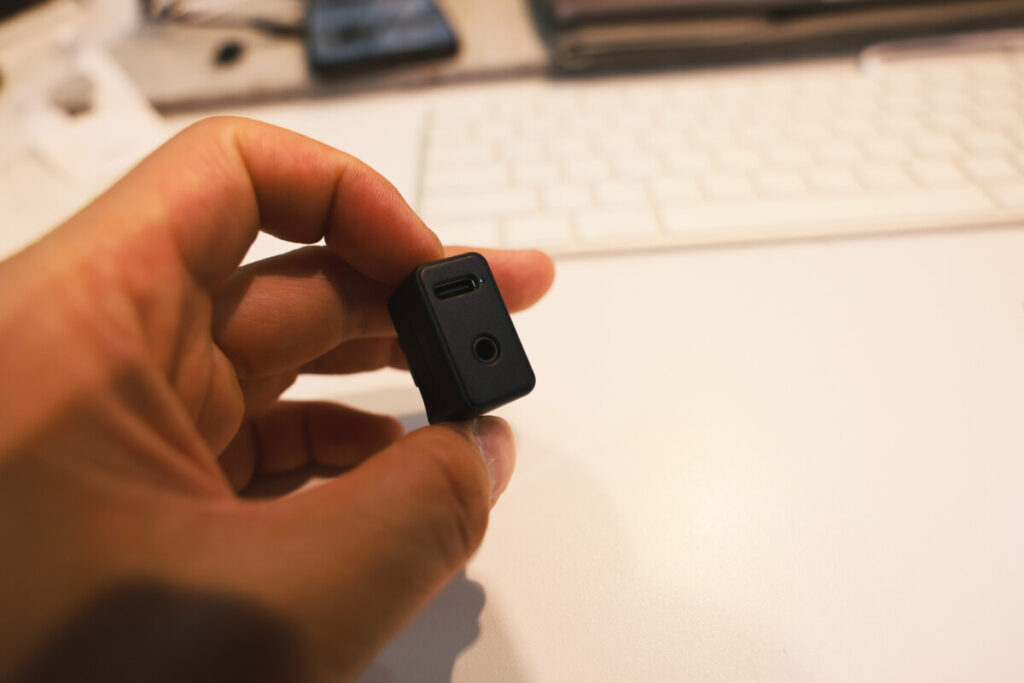
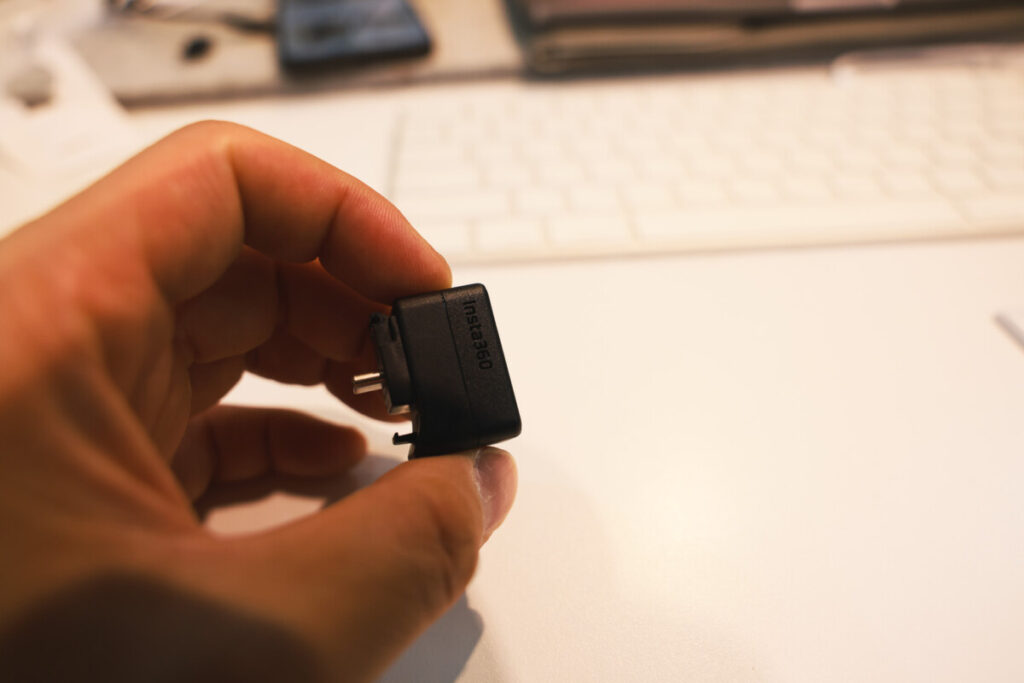
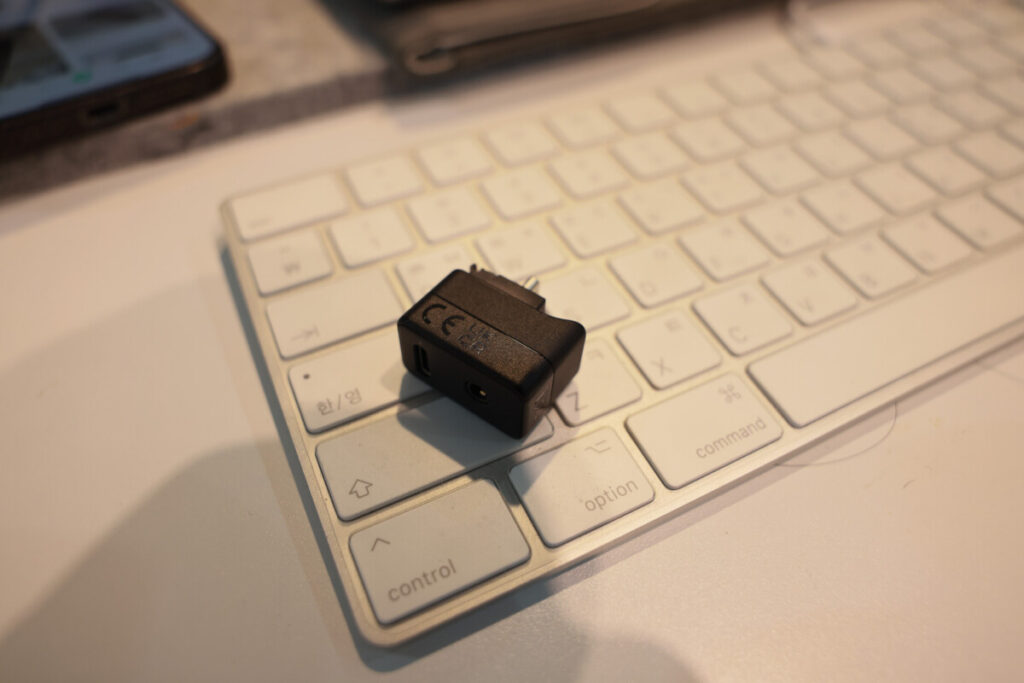
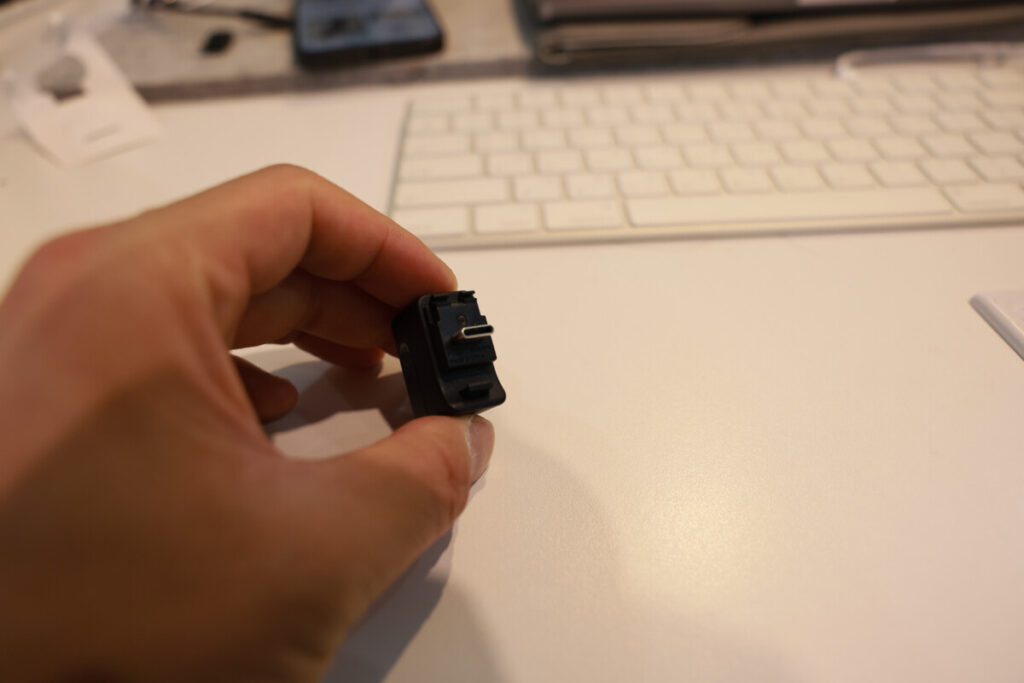
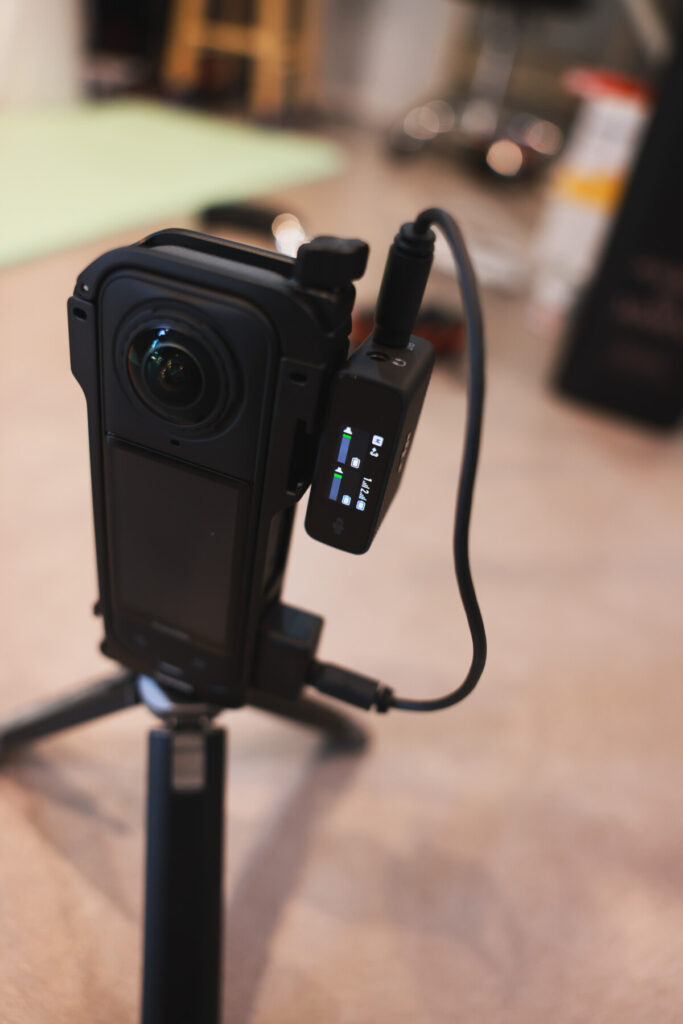
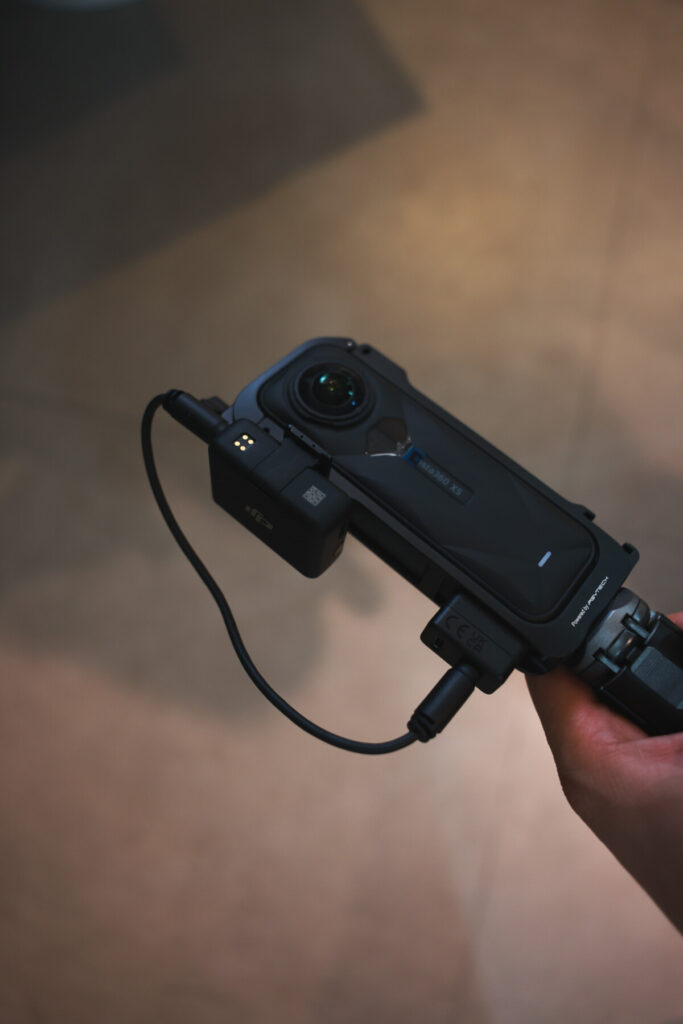
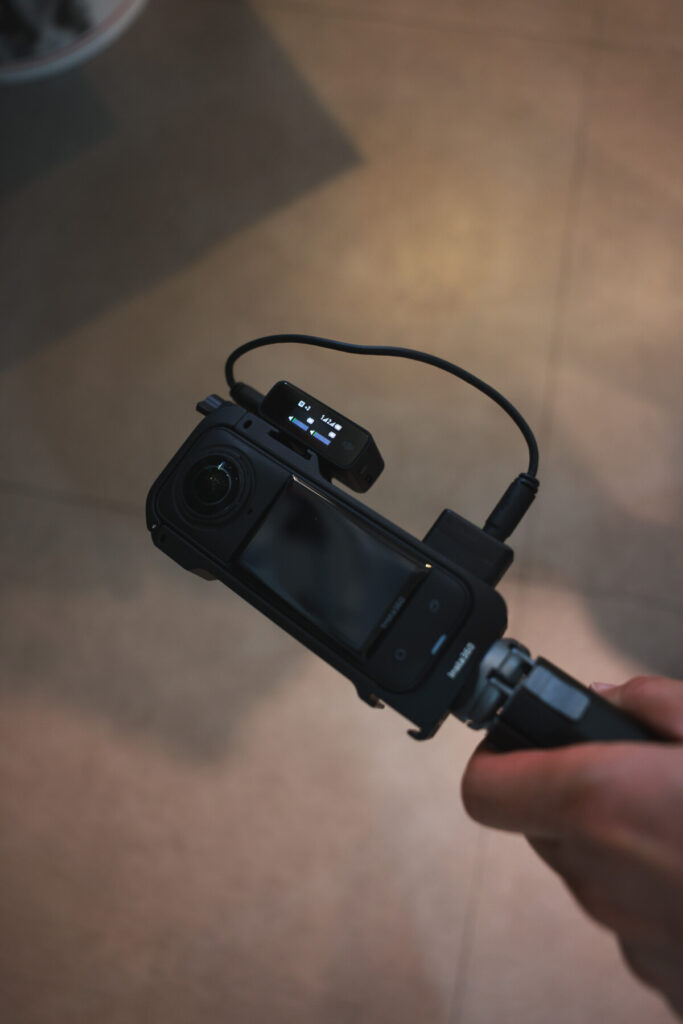
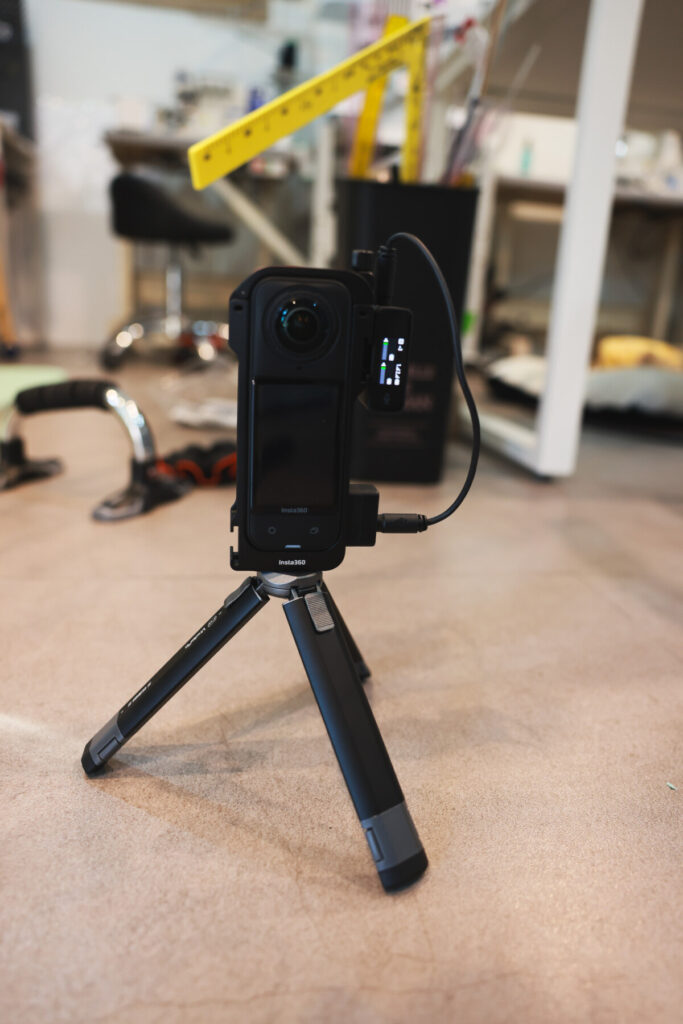
“Insta360 X5 Mic Adapter”
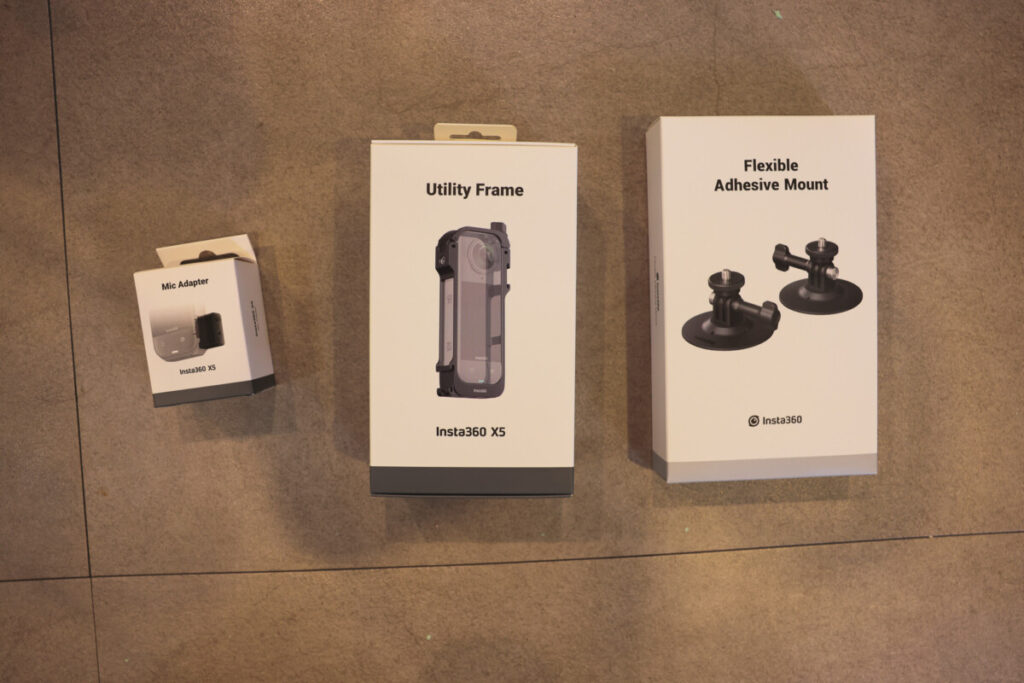
Then came the surprise launch of the Insta360 X5. I couldn’t resist. I grabbed it, along with a few accessories, hoping to build my ideal setup for motorcycle riding and general outdoor shooting.
One of the key challenges I faced? Capturing clean audio while riding. The wind noise was just unbearable, and I knew I needed an external mic. Naturally, that led me to the Insta360 X5 Mic Adapter.
Why Use a Mic Adapter?
The Insta360 X5 does not include a built-in 3.5mm mic jack. And while it does have a USB-C port, it doesn’t accept audio input through USB. That means you can’t connect USB microphones or digital mic receivers directly to the camera.
To record external audio, you’ll need to purchase the official Insta360 Mic Adapter, which plugs into the camera’s USB-C port and provides a 3.5mm TRS mic input.
Simple enough, right? But here’s where it gets tricky.
The Hidden Limitation: USB Mics Don’t Work
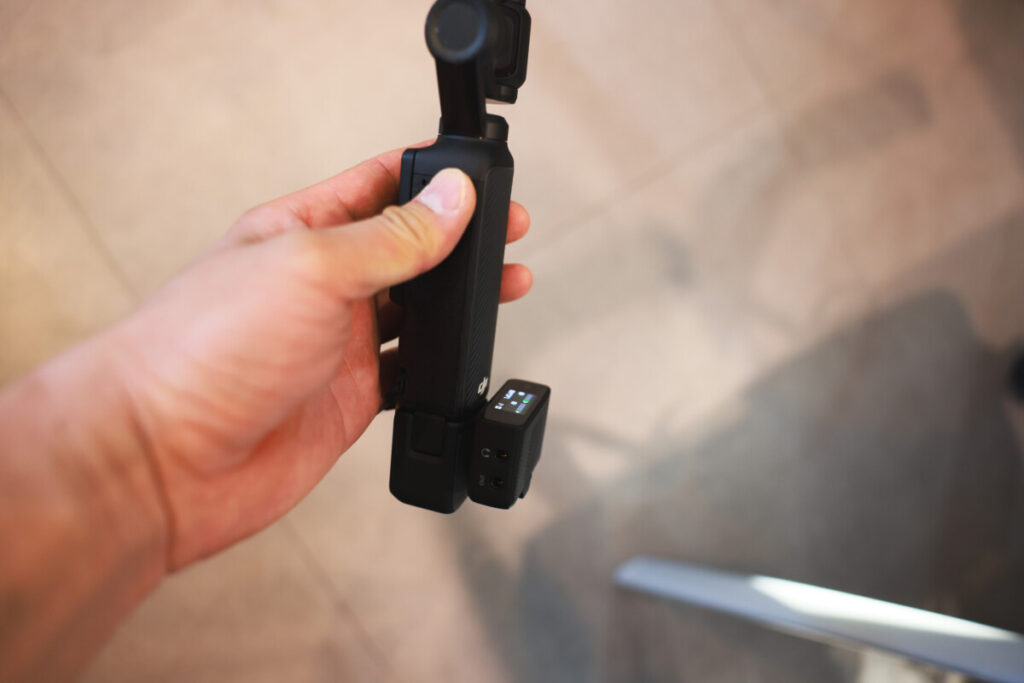
At first, I tried connecting my DJI Mic 1 receiver via USB-C. That’s how I connect it to my Osmo Pocket 3 and even my laptop. Naturally, I assumed it would work the same way with the X5. Spoiler: it doesn’t.
The USB-C port on the Insta360 Mic Adapter is for charging only. It does not support digital audio input. So even though your DJI Mic receiver fits physically, the X5 simply won’t recognize it.
This is not a bug—it’s by design.
Why Did Insta360 Limit USB Mic Support?
This decision might seem frustrating at first, especially when USB-C mics are becoming the standard. But it’s not due to a technical limitation.
Most likely, it’s a strategic decision:
It may also be a subtle way to discourage using gear from competing brands like DJI.
Limiting audio input to analog 3.5mm TRS ensures tighter compatibility control.
USB microphones vary widely in power requirements, drivers, and audio protocols.
Allowing USB mic support could open the door to unpredictable performance or support issues.
What You Can Do Instead
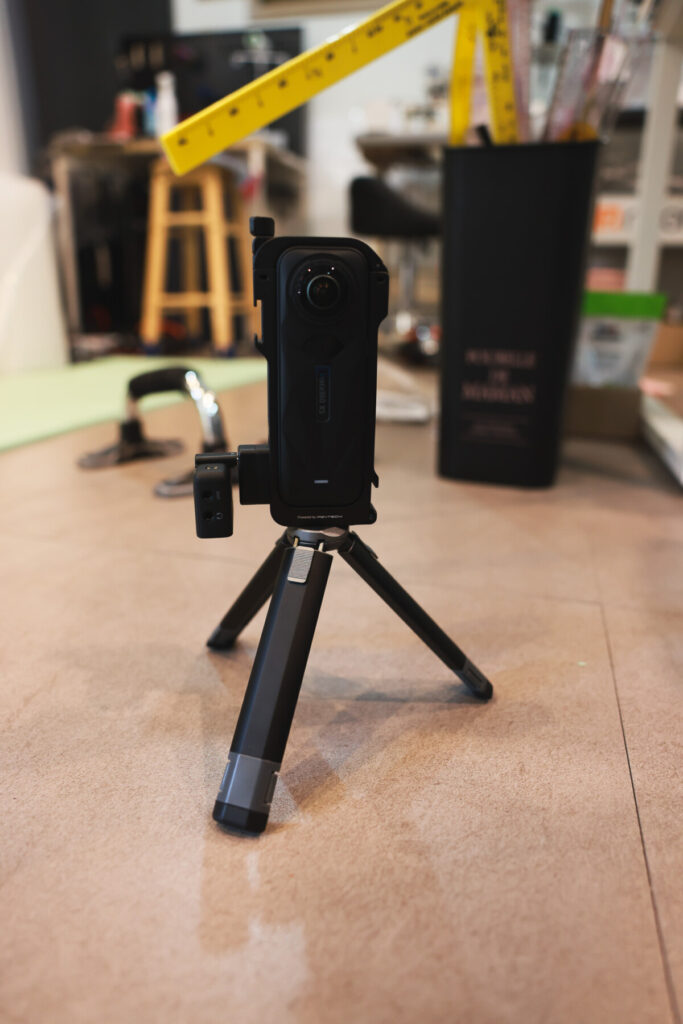
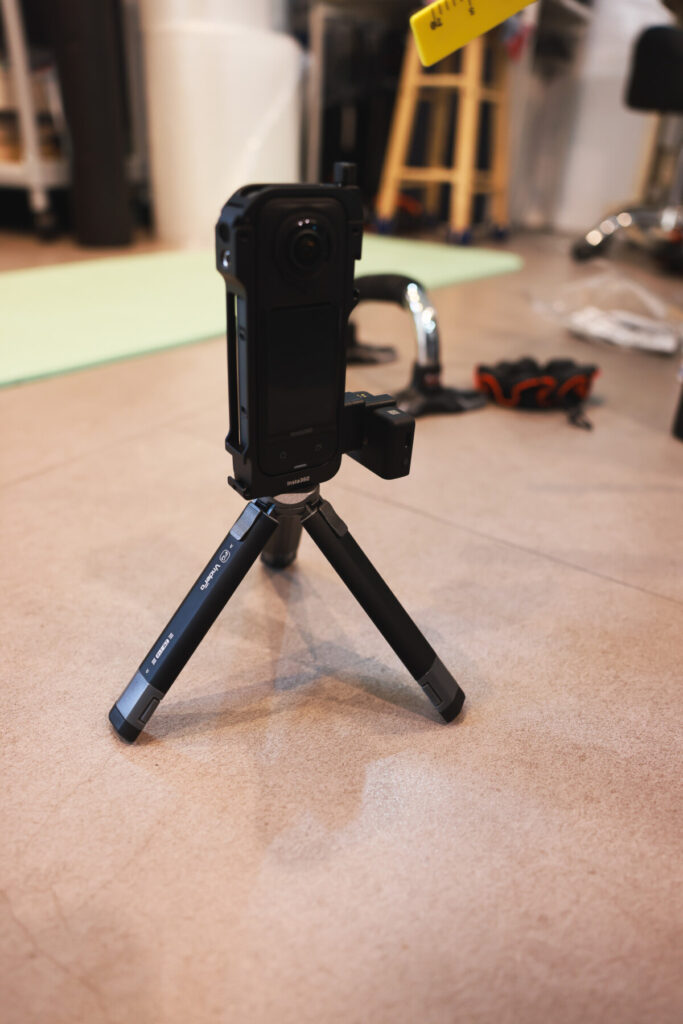
If you want to use an external mic setup with your Insta360 X5:
- Use a 3.5mm TRS mic (wired lavalier, shotgun, or analog output from a wireless receiver).
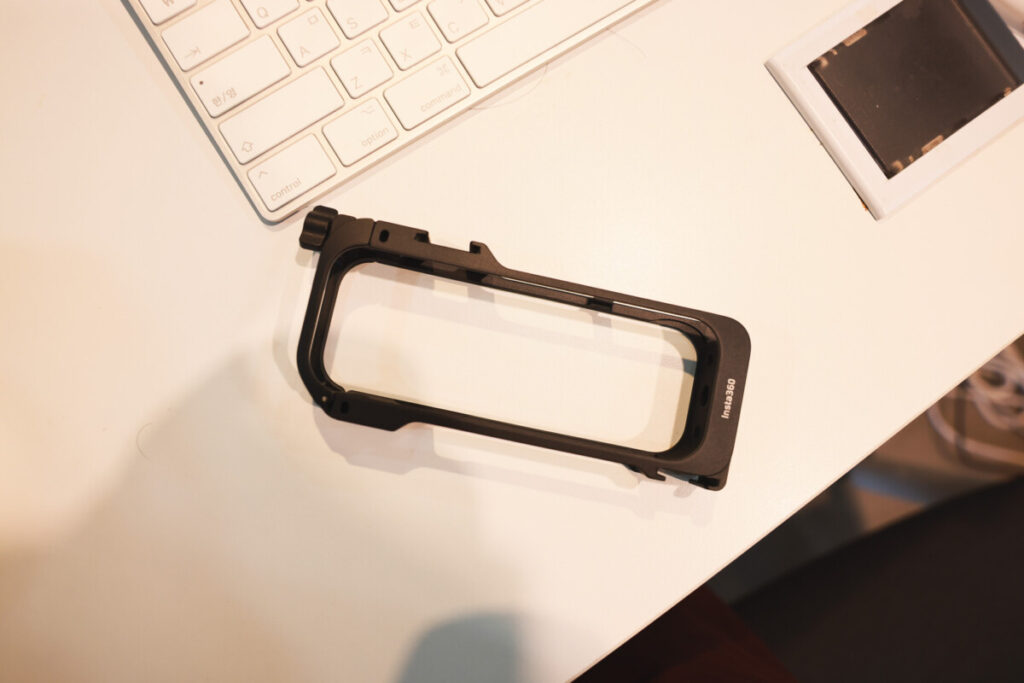
- Mount the mic receiver using a Utility Frame or cold shoe adapter. Don’t expect USB-C mic receivers (like DJI Mic 1) to work directly with the adapter.
- Consider a Bluetooth-compatible mic system if you need flexibility (e.g., DJI Mic 2).
Additional Notes
Once the Mic Adapter is plugged in, the camera disables its internal mic completely.
The adapter is tiny and easy to lose—especially during mobile use. Handle with care.
The USB-C port on the adapter is strictly charging-only—not for data, not for audio.
Bonus Tip: Consider Extra Batteries
One thing I noticed while using the X5 extensively—the battery drains faster than expected, especially when shooting in high resolution or with accessories attached.
Final Thoughts
The Insta360 X5 Mic Adapter is a necessary tool if you want to record decent audio on the go—but it’s not as flexible as some users may hope.
I wish Insta360 had made the adapter more versatile, especially given how many creators already rely on USB-C-based mic systems. But with the right accessories (and expectations), you can still get excellent results.
If you’re switching between internal and external mics often, or relying on USB mics—consider your workflow carefully before committing.
TL;DR (Too Long; Didn’t Read)
Insta360 X5 requires a separate mic adapter for external audio.
Adapter only supports 3.5mm TRS mics—not USB-C mic receivers.
USB-C port on adapter is charging only.
If you’re using DJI Mic 1, you’ll need to use the analog output, not the USB plug.
Adapter disables the internal mic while connected.
🔋 Battery drains quickly—consider getting spares or a fast charger kit.
Still love the X5. Just wish this part was more user-friendly.